


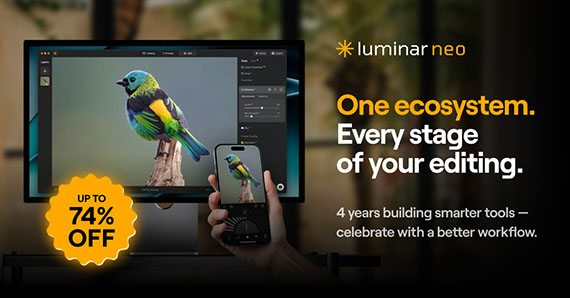
Skylum is marking its anniversary today with a promotion called Fall Into Flow, centered around the current Luminar ecosystem. Rather than focusing on a single product discount, the sale highlights how Luminar’s desktop, mobile, and cloud tools work together — and offers reduced pricing on different access options for that ecosystem.
If you’ve been curious about Luminar or wondering whether it fits into a modern photography workflow, this sale is a useful moment to look at what the software actually does and how photographers tend to use it.
What “Fall Into Flow” Refers To
The idea behind Fall Into Flow is workflow continuity. Luminar has been evolving from a standalone editor into a connected system that lets photographers move between devices without starting over each time.
- Editing across desktop and mobile
- Cloud-based syncing for projects
- AI tools designed to speed up common adjustments rather than replace manual control
At the center of all of this is Luminar Neo, which acts as the main desktop editor.
A Quick Look at the Luminar Ecosystem
Desktop Editing (Luminar Neo)
Luminar Neo is the primary editing application for Windows and macOS. It supports RAW files, layers, masking, and non-destructive editing, while also leaning heavily into AI-assisted tools.
Common use cases include:
- Global exposure and color correction
- Portrait retouching without complex masking
- Landscape edits involving sky, atmosphere, and light depth
- Fast enhancements for large batches of photos
The AI tools are optional — you can use them as starting points or ignore them entirely in favor of manual controls.
Mobile Editing
Luminar’s mobile app focuses on quick edits and portability rather than replacing desktop work. It’s typically used for:
- Initial adjustments while traveling
- Reviewing and lightly editing photos on a phone or tablet
- Continuing edits started elsewhere
Edits can sync back to the desktop version, which is where the “flow” aspect becomes practical.
Cloud and Sharing Features
The ecosystem also includes cloud syncing and web-based sharing options. One example is Luminar Spaces, which allows photographers to present images in online galleries without exporting and uploading files manually.
This is more about convenience than portfolio hosting, but it can be useful for client previews or sharing work in progress.
AI Tools: What They’re Meant to Do (and What They’re Not)
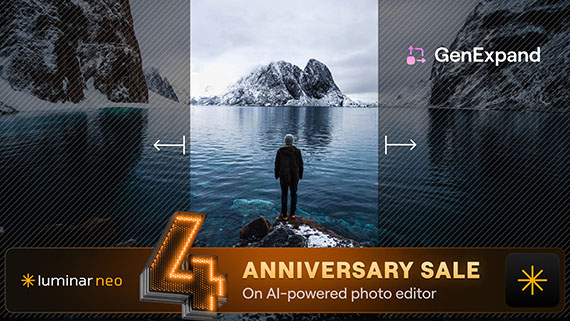
A large part of Luminar’s identity is AI-assisted editing. In practice, these tools are designed to:
- Speed up repetitive adjustments
- Reduce the need for detailed masking in common scenarios
- Provide a strong starting point rather than a final look
Examples include tools for:
- Enhancing light depth and contrast
- Improving sky detail
- Restoring older or damaged photos
- Suggesting edits based on image content
They’re best thought of as time-savers, not automatic style generators.
For photographers interested in faster workflows, cross-device editing, and AI tools that assist rather than dominate the process, it’s a practical time to take a closer look.
Deal ending soon: Luminar Photo Editor Anniversary Sale
from PictureCorrect https://ift.tt/ChH5krG
via IFTTT


Really enjoyed your take on modern photo editing workflows — the way you break down each step makes it easy to follow and apply. For more tips and insights on efficient editing techniques and real-world examples, check out our blog at BeatColor https://beatcolor.com/. Thanks for sharing!
VastaaPoista